Streaks worth keeping
Build a rhythm you can see. Kiviq keeps your streaks clear and fair by counting the days you actually planned.
Kiviq helps you build habits that stick, shape routines that fit your day, and see the progress you’re making. Insights, reflections, challenges, and focused sessions are built in.
Build a rhythm you can see. Kiviq keeps your streaks clear and fair by counting the days you actually planned.
Morning, Workday, or Evening checklists.
Three workouts this week, or any rhythm that fits.
Read 20 pages, walk 5 miles, practice for 30 minutes.
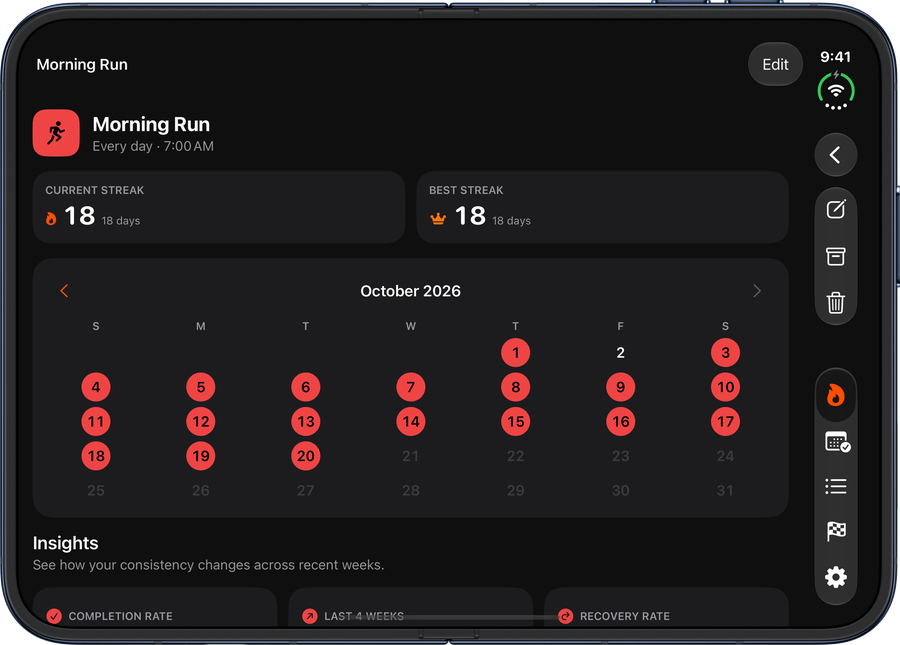
Look back on a simple calendar and fix a past day when life got in the way. See your best days and a warm view of your year.
A nudge when you want one. Never a flood.
See your week in one calm view, with habits, goals, and progress laid out so you know what worked.
Check in from your Home Screen or use Apple Shortcuts to complete a habit, mark a goal day, log progress, or open a routine.
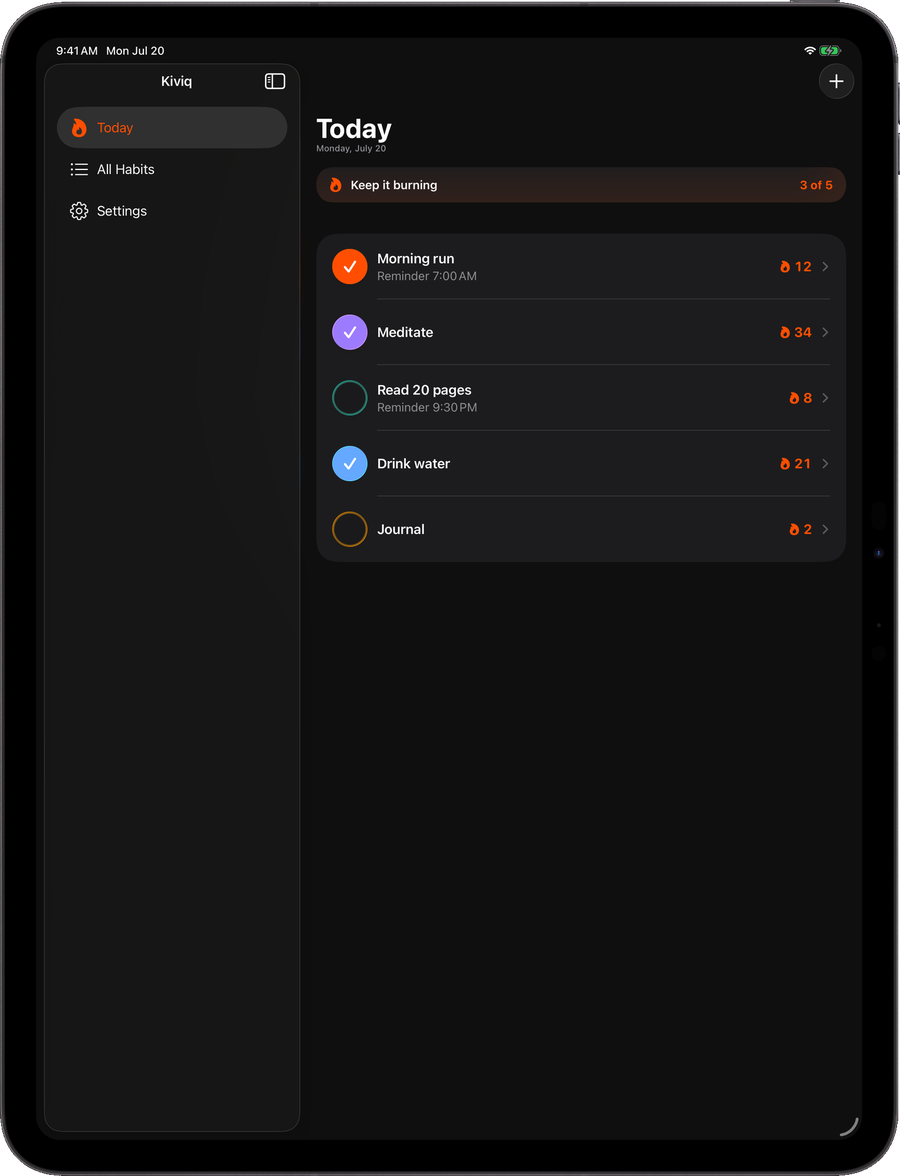
Your habits go where you go. Use Kiviq on iPhone, iPad, and Mac, with private iCloud sync and an export you can keep.
See your best days, recent progress, missed-day recovery, and a warm view of your year.
Find the habit, goal, or routine you want quickly, even as your library grows.
Begin with a ready-to-go plan for wellbeing, movement, learning, or planning. Then make it yours.
Add a quick note or mood to remember what helped, what got in the way, and how the week felt.
Give yourself a little finish line: choose 7, 30, or 60 repetitions and watch each milestone arrive.
Set a focused session for a habit or time-based goal, then let Kiviq turn that time into progress.
Create more than one reminder, choose the days it appears, and add a gentle follow-up when you need it.
Keep your work close, with exports that include your notes and progress and stronger recovery between devices.
Choose a color that feels like you and make each habit easier to recognize at a glance.
See what matters today, then look back whenever you need to. Kiviq keeps habits, goals, routines, and your bigger picture easy to follow.
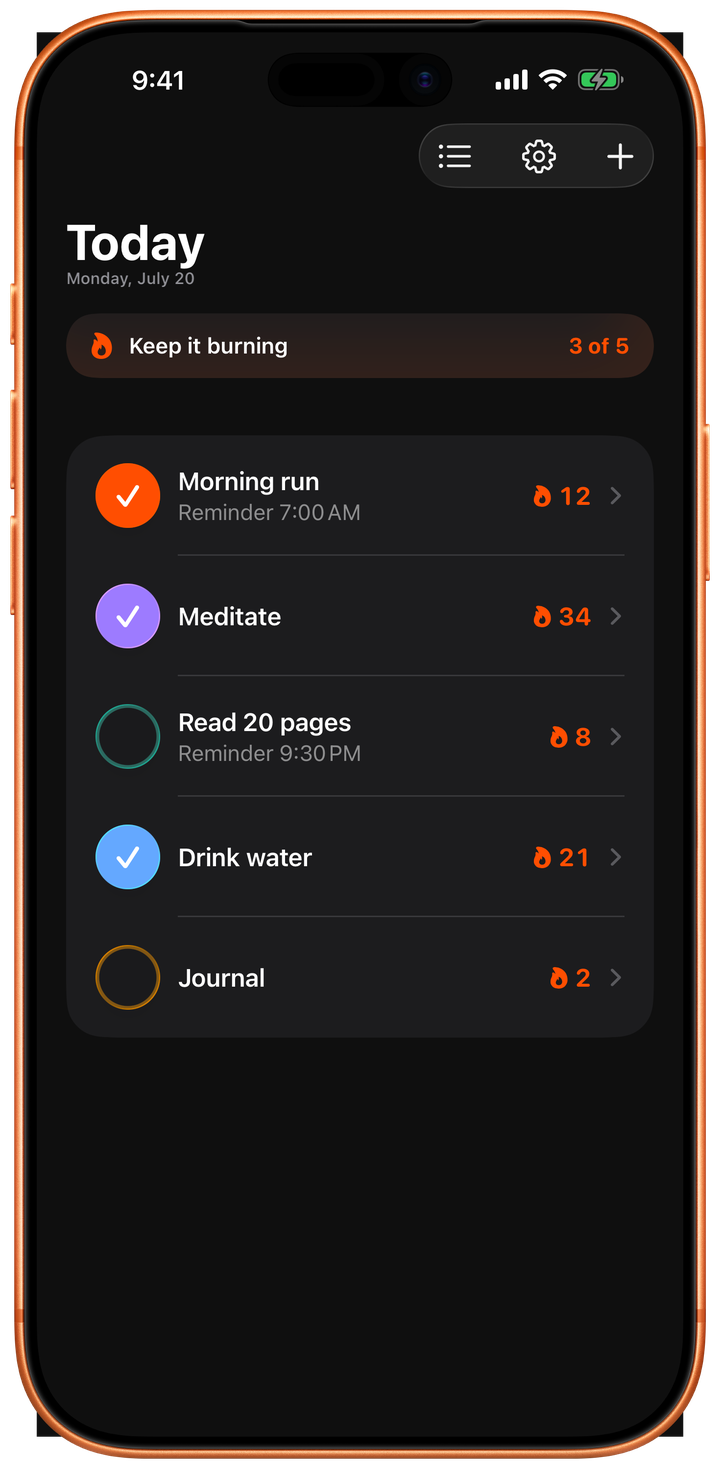
Habits, goals and progress on one page. Tick it, log it, done.
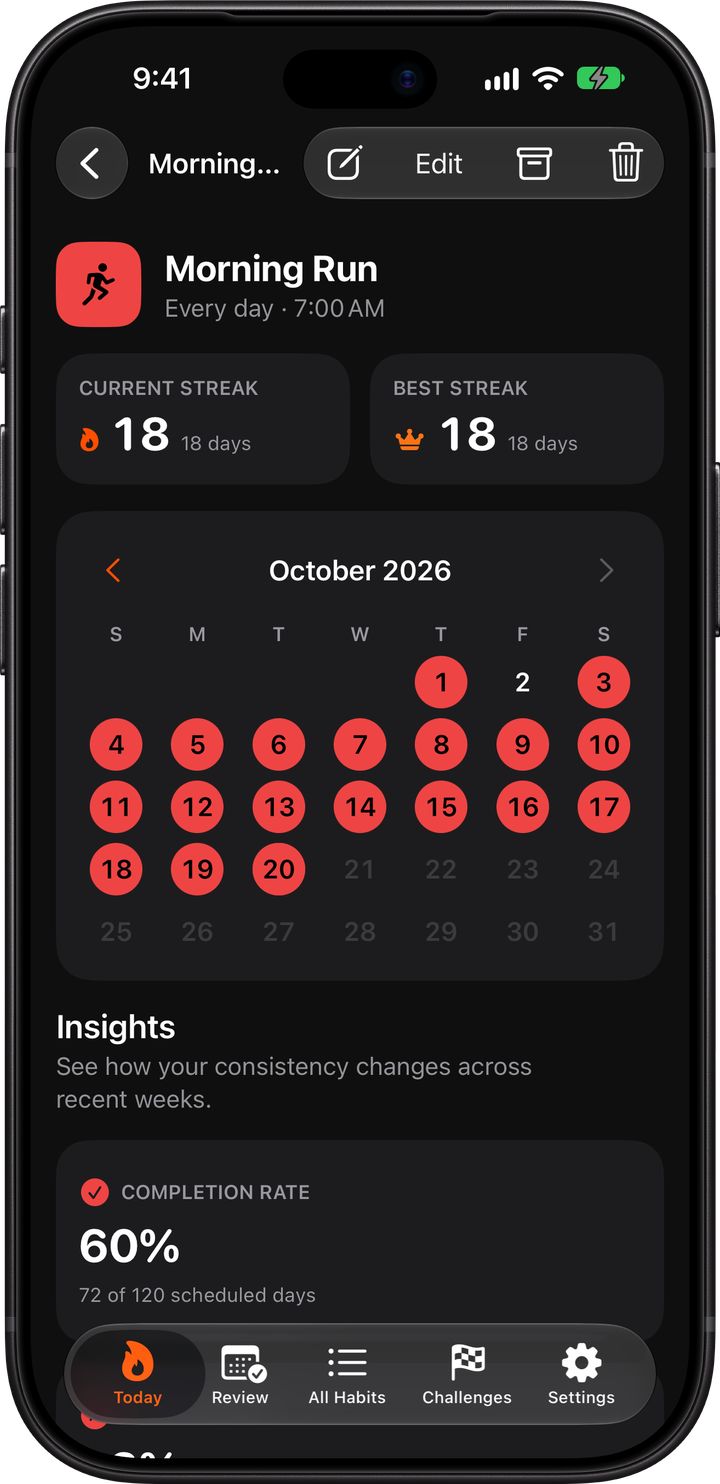
Calendar history, best streaks and insights for every habit.
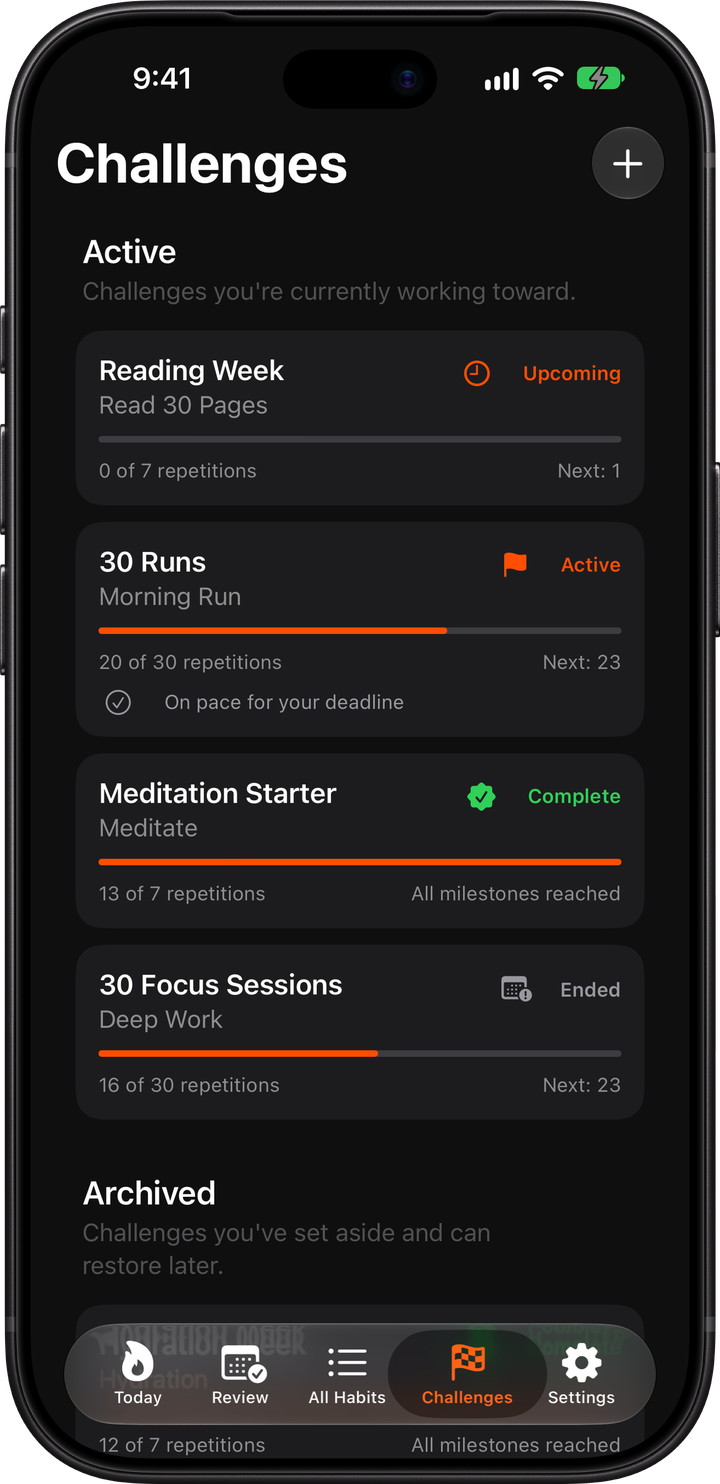
Choose 7, 30, or 60 repetitions and watch each milestone arrive.
Your habits stay with you wherever you go. Kiviq feels right at home on iPhone, iPad, and Mac.
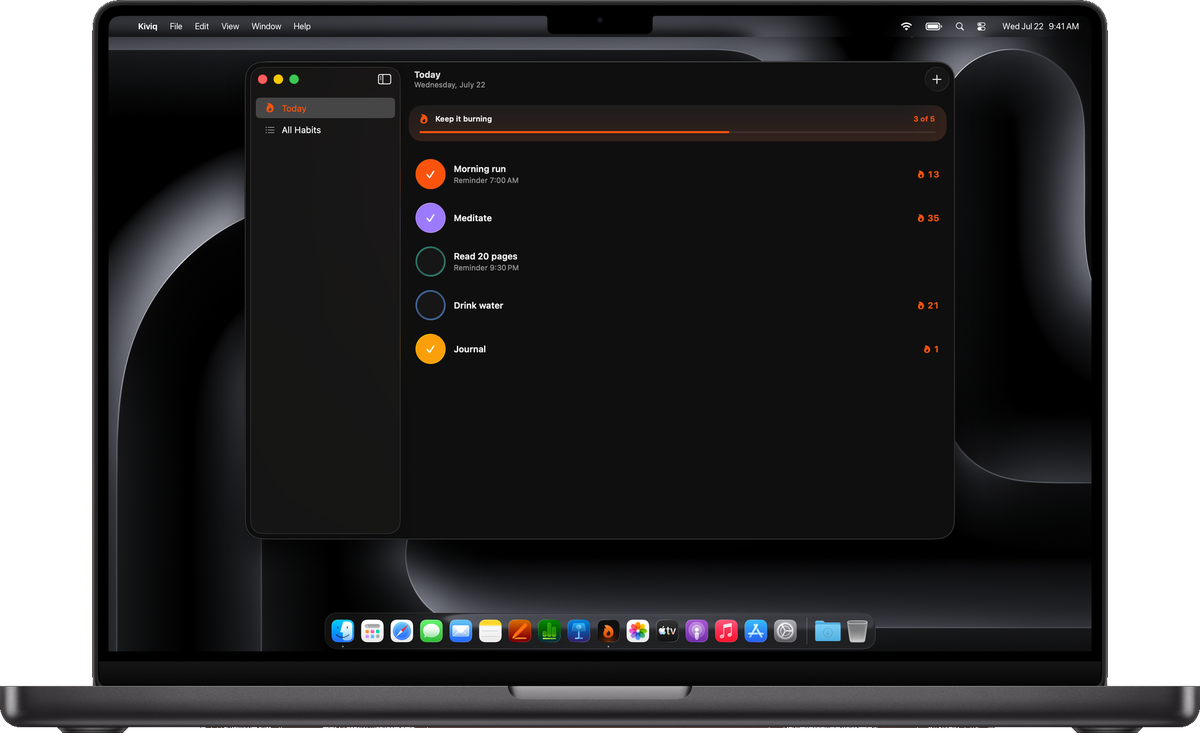
No subscription, account, ads, or locked features. Available on iPhone, iPad, and Mac.
The quick answers to the questions people ask most about Kiviq.
Kiviq is a private habit tracker for iPhone, iPad, and Mac. It brings habits, routines, weekly goals, measurable progress, streaks, reminders, widgets, and Apple Shortcuts together in one calm place.
Kiviq gives you habits and streaks, routines, flexible weekly and measurable goals, Insights, search, starter plans, private reflections, personal challenges, Focus Timer, flexible reminders, widgets, Apple Shortcuts, Weekly Review, calendar history, custom colors, private iCloud sync, and export.
No. Your habit data never goes to an AI service, and Kiviq does not require an account. Insights are worked out on your device from the history already in Kiviq, while your data stays on your devices and in private iCloud when sync is available.
Yes. Kiviq is completely free to download and use, with no subscription, account, ads, or locked features. It is available on iPhone, iPad, and Mac.
Yes, when iCloud is available and turned on. Kiviq can also work without it, and you can export your library whenever you want.
Your habits are personal. Kiviq keeps your data on your devices and in your private iCloud when sync is available. Insights and challenge progress are worked out right on your device. There is no account, in-app tracking, or third-party app tracking.
Read the privacy policy →